NCMC Wallet (Top Up)
Quickly transfer funds from your General Wallet to your National Common Mobility Card (NCMC) without adding money separately.
Topping Up Your NCMC Card
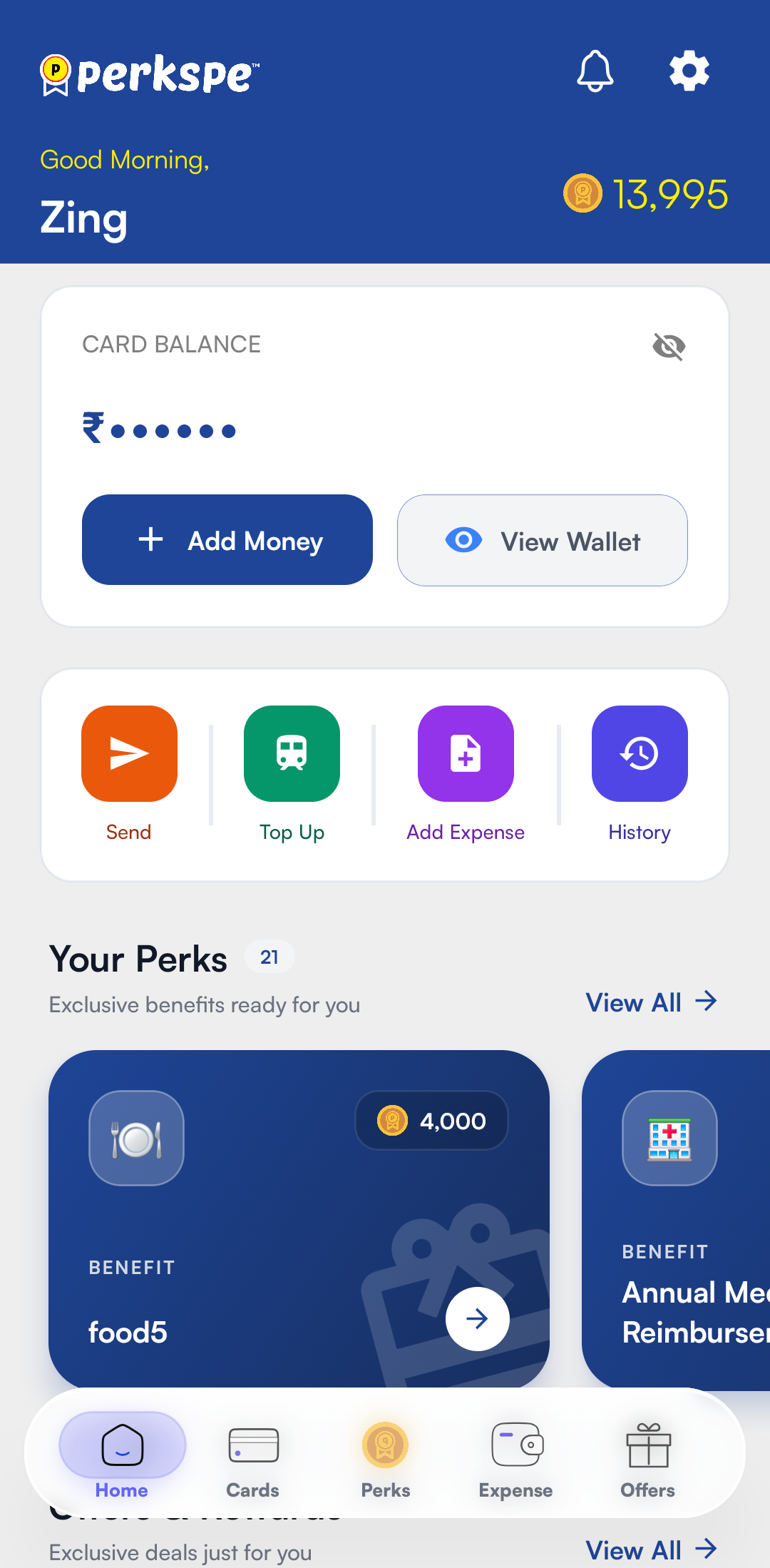
- From the dashboard, tap the Top Up icon.
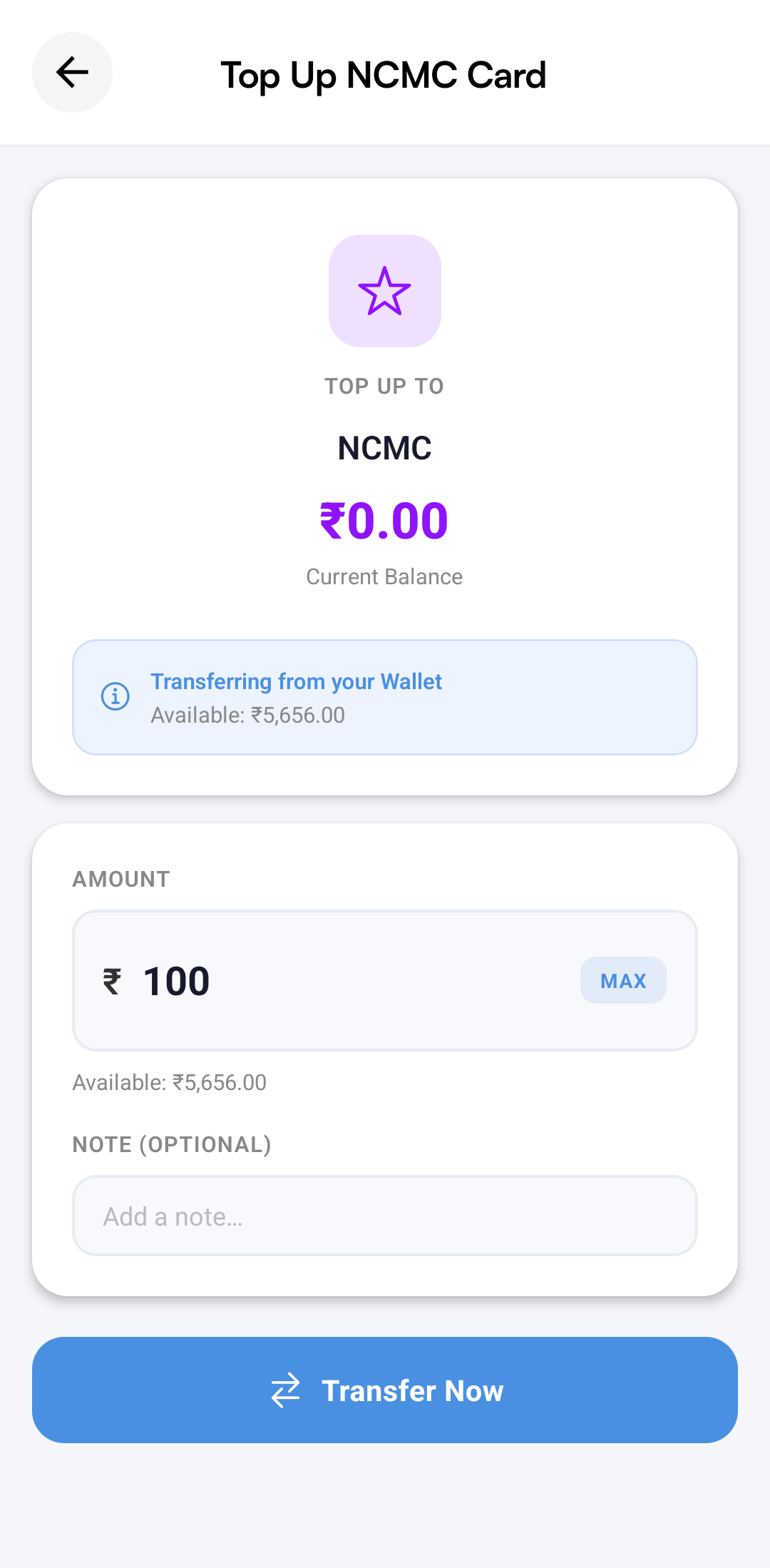
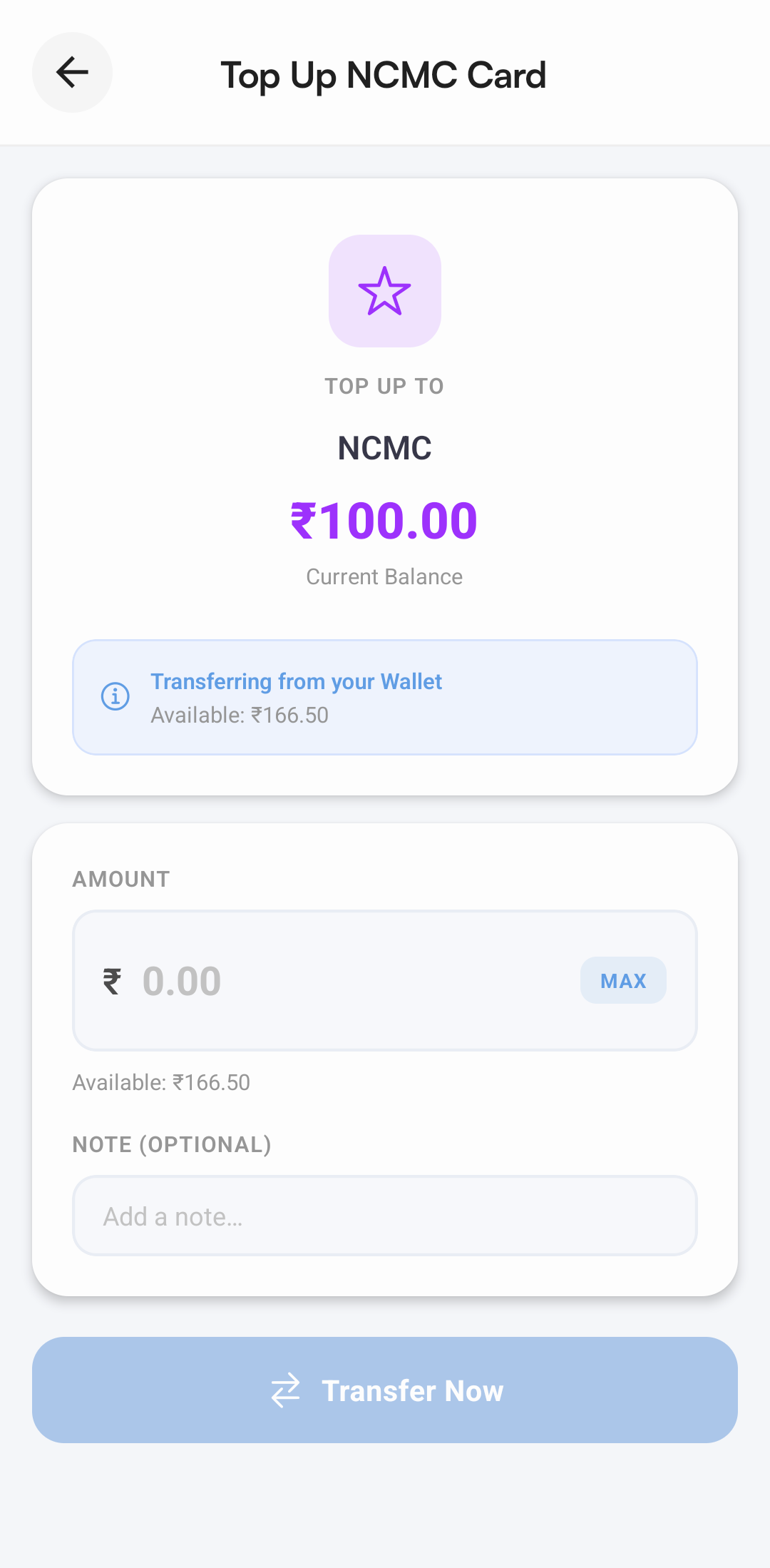
- The Top Up NCMC Card screen displays your current NCMC balance.
- Enter the amount you want to transfer from your General Wallet.
- Tap Transfer Now to instantly transfer the amount to your NCMC Wallet.
Faster Commute Payments
Using NCMC Top Up lets you move funds directly from your General Wallet to your NCMC Wallet without going through a separate Add Money process. This provides a quicker and smoother experience when preparing your card for metro, bus, and other NCMC-enabled transit payments.